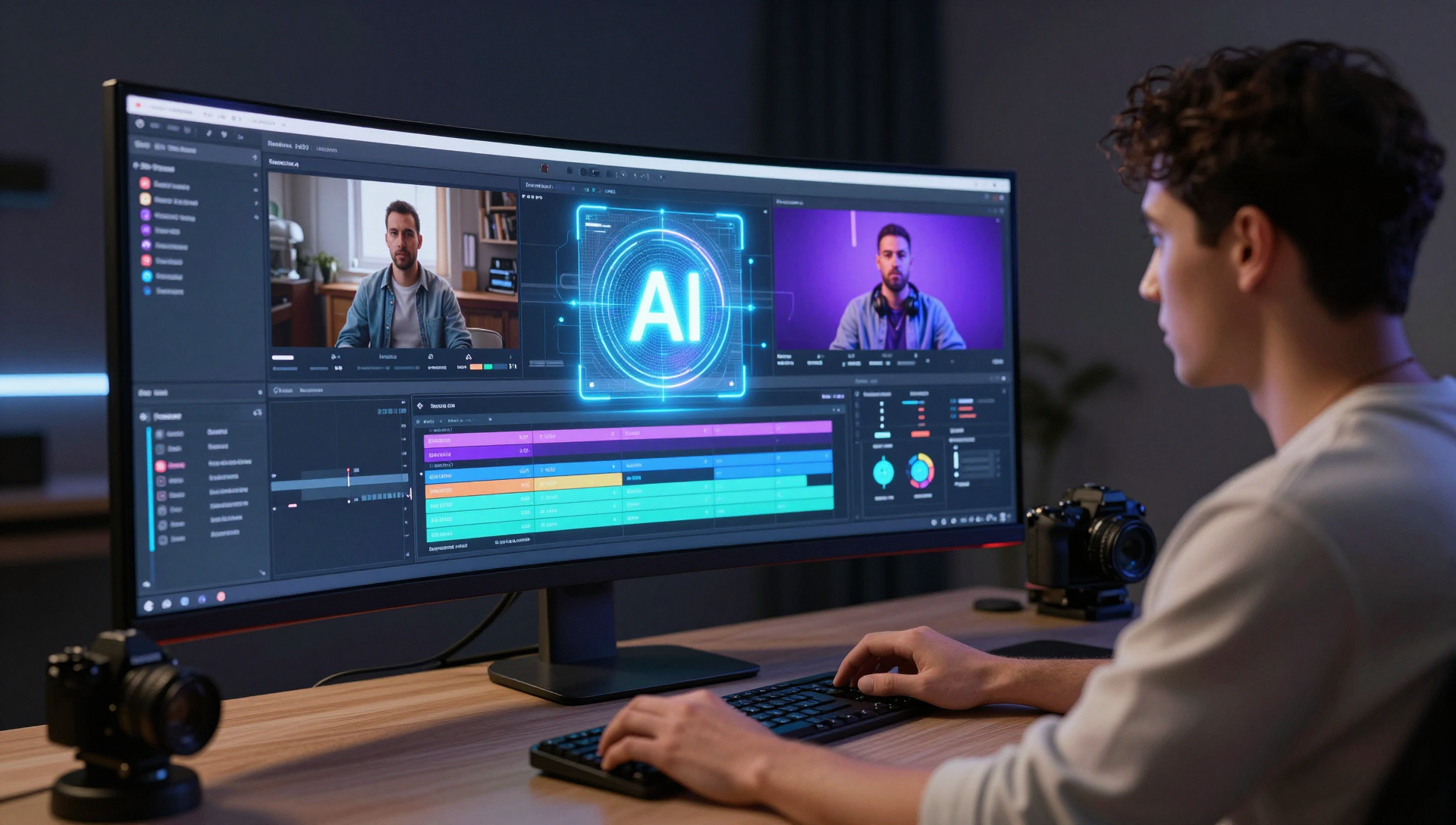
Video editing is no longer just about cutting clips and adding transitions. Best AI tools for video editing are fundamentally changing who can create professional content and how quickly it gets done. The divide isn’t just technical anymore — it’s economic.
On one side, individual creators and small businesses gain access to capabilities that previously required expensive equipment and years of training. On the other, traditional video production houses face pressure to adapt or risk losing clients to faster, cheaper AI-powered alternatives.
The stakes are clear: choose the right AI video editing tool for your needs, and you’ll cut production time while improving quality. Choose poorly, and you’ll waste money on features you can’t use or miss capabilities you desperately need. This guide breaks down which tools actually deliver on their promises and which ones to avoid.
Key Takeaways
- Adobe Premiere Pro: Industry-standard features with AI enhancements, best for professional workflows requiring advanced color correction and multi-format export
- Canva Video Editor: Browser-based simplicity with AI templates, ideal for social media content and small business marketing materials
- CapCut: TikTok-optimized editing with automatic scene detection, perfect for short-form content creators and mobile-first workflows
- Filmora: Balance of AI automation and manual control, suited for YouTubers and content creators who need both speed and customization
- Cost reality check: Free tools handle basic AI editing, but professional features typically start at $20-50/month for individuals
- Enterprise adoption: Teams increasingly prefer cloud-based solutions with collaboration features over desktop-only applications
Best AI Tools for Video Editing — The Core Differences
AI video editing tools fall into three categories: professional-grade software with AI enhancements, AI-native platforms built for automation, and hybrid solutions that balance both approaches.
Adobe Premiere Pro represents the professional enhancement approach — traditional editing power enhanced with AI features like automatic color matching and intelligent audio cleanup. Canva and CapCut exemplify AI-native design, where the interface assumes you want automation first and manual control second. Filmora sits in the hybrid category, offering both automated workflows and granular editing controls.
For individual creators, the choice often comes down to content type and technical comfort level. TikTok creators gravitate toward CapCut’s mobile-optimized features, while YouTube creators prefer Filmora’s desktop capabilities.
Enterprise teams increasingly favor cloud-based solutions like Canva for distributed collaboration, though studios still rely on Premiere Pro for client deliverables requiring broadcast quality.
Expert Insight: “The biggest shift isn’t in editing capabilities — it’s in who can now produce professional-quality content without traditional training barriers.” — Industry analyst, video technology sector
Side-by-Side Breakdown — Which Wins at What?
| Feature | Adobe Premiere Pro | Canva Video | CapCut | Filmora |
|---|---|---|---|---|
| AI Scene Detection | ⭐⭐⭐⭐ | ⭐⭐⭐ | ⭐⭐⭐⭐⭐ | ⭐⭐⭐⭐ |
| Auto Color Correction | ⭐⭐⭐⭐⭐ | ⭐⭐⭐ | ⭐⭐⭐ | ⭐⭐⭐⭐ |
| Text-to-Video Generation | ⭐⭐ | ⭐⭐⭐⭐⭐ | ⭐⭐⭐ | ⭐⭐⭐ |
| Mobile Editing | ⭐⭐ | ⭐⭐⭐⭐ | ⭐⭐⭐⭐⭐ | ⭐⭐⭐ |
| Collaboration Features | ⭐⭐⭐ | ⭐⭐⭐⭐⭐ | ⭐⭐ | ⭐⭐ |
| Professional Export Options | ⭐⭐⭐⭐⭐ | ⭐⭐⭐ | ⭐⭐⭐ | ⭐⭐⭐⭐ |
| Learning Curve | ⭐⭐ | ⭐⭐⭐⭐⭐ | ⭐⭐⭐⭐ | ⭐⭐⭐⭐ |
⚡ Quick Verdict
- Best for professional studios: Adobe Premiere Pro
- Best for social media teams: Canva Video Editor
- Best for TikTok/short-form content: CapCut
- Best for YouTube creators: Filmora
- Best overall value for individuals: CapCut (free tier)
- Best for enterprise collaboration: Canva
Real Enterprise and Individual Use Cases
Marketing Agencies increasingly rely on Canva’s team features for client review workflows. The platform’s AI template generation helps agencies produce multiple video variations for A/B testing without starting from scratch each time.
Individual Content Creators show distinct preferences by platform:
- TikTok creators favor CapCut’s vertical video optimization and automatic beat-syncing features
- YouTube educational content creators prefer Filmora’s screen recording integration and subtitle automation
- Instagram influencers use Canva for story templates and quick product showcase videos
Small Business Owners without video editing experience find success with Canva’s drag-and-drop interface. A typical use case involves uploading product photos and letting AI generate promotional videos for social media advertising.
Production Studios maintain Adobe Premiere Pro for client work requiring specific color profiles and broadcast standards, but increasingly use AI tools for rough cuts and initial assembly.
Industry Insight: Content creators who match their tool choice to their primary distribution platform report significantly faster production workflows than those using generic solutions.
Cost, Integration, and Security — The Practical Breakdown
Cost Comparison:
- CapCut: Free with premium features at $9.99/month
- Canva: Free tier available, Pro at $14.99/month for individuals, Teams at $14.99/user/month
- Filmora: $69.99/year individual license
- Adobe Premiere Pro: $22.99/month individual, $35.99/month business
Integration Notes:
- Canva integrates directly with social media platforms for one-click publishing
- CapCut connects to TikTok for seamless posting but limited third-party integrations
- Adobe Premiere Pro works with Creative Cloud ecosystem and professional camera formats
- Filmora supports most consumer formats but limited professional workflow integration
Security and Compliance:
- Enterprise teams should note that free tiers typically include cloud processing with varying data retention policies
- Adobe and Canva offer business plans with enhanced security controls and GDPR compliance
- CapCut processes videos on ByteDance servers, which may concern some business users
What This Means for Business Leaders in 2026
Video content production costs are dropping while output expectations increase. Teams that standardize on AI-powered editing tools report 40-60% faster content production cycles, according to recent marketing technology adoption studies.
Strategic considerations for 2026:
- Budget allocation: Shift from equipment purchases toward software subscriptions and training
- Skill requirements: Hire for creative vision rather than technical editing expertise
- Content volume: Plan for increased video output capacity with current team size
- Quality standards: Define which content requires professional tools versus automated solutions
Recommended actions:
- Audit current video production bottlenecks to identify where AI automation provides the highest impact
- Test free tiers of multiple platforms before committing to annual subscriptions
- Establish content approval workflows that account for faster production cycles
Market Context and Industry Landscape
Enterprise adoption of AI video editing tools has accelerated as remote work normalized video-first communication. Teams distributed across time zones find cloud-based editing platforms essential for collaborative workflows.
Regulatory considerations remain minimal for most use cases, though companies in regulated industries should verify data processing locations and retention policies for cloud-based tools.
The competitive landscape shows consolidation around platform integration — tools that connect directly to social media platforms and marketing automation systems gain adoption advantages over standalone applications.
Investment patterns indicate continued development focus on mobile-first editing experiences and real-time collaboration features, suggesting 2027 will bring enhanced cross-device workflows and improved AI automation for complex editing tasks.
Risks and Limitations
AI video editing tools introduce several considerations that teams should address before full adoption.
Platform dependency risks affect businesses that rely heavily on tool-specific features. Changes to AI algorithms or pricing structures can disrupt established workflows.
Content ownership questions arise with cloud-based platforms, particularly regarding raw footage storage and processing rights. Review terms of service carefully for commercial use cases.
Skill development concerns include teams becoming overly dependent on automated features without developing underlying video editing knowledge needed for complex projects.
Technical limitations persist in AI automation — complex narrative structures, nuanced color grading, and custom motion graphics still require manual expertise that automated tools cannot replicate.
AI Next Vision Perspective
The real winner in 2026 isn’t the tool with the most AI features — it’s the one that matches your actual workflow. Most creators should start with CapCut or Canva’s free tiers to understand their needs before paying for advanced features they may never use.
For businesses, the smart move is hybrid adoption: use AI tools for high-volume, routine content while maintaining professional capabilities for flagship projects. Don’t abandon manual editing skills entirely — AI excels at speed and consistency but still needs human judgment for storytelling and brand alignment.
Our recommendation for most users in 2026: Begin with your distribution platform and work backward. TikTok-heavy creators should master CapCut. Teams collaborating on marketing content should prioritize Canva. Professional studios should enhance Premiere Pro workflows with AI plugins rather than replacing their entire toolkit.
Frequently Asked Questions
What are the best free AI video editing tools in 2026?
CapCut offers the most comprehensive free AI features including automatic scene detection, beat-sync editing, and vertical video optimization. Canva provides robust free templates and basic AI automation, though with watermarks on exports.
How much do professional AI video editing tools cost?
Professional-grade tools range from $15-35 per month for individual subscriptions. Adobe Premiere Pro costs $22.99/month, while Filmora offers annual licenses at $69.99. Enterprise pricing varies based on team size and collaboration features.
Can AI video editing tools replace human editors?
AI tools excel at routine tasks like scene detection, color correction, and template-based editing but cannot replicate creative decision-making, narrative structure, or brand-specific styling that requires human judgment and experience.
Which AI video editing tool works best for TikTok content?
CapCut provides native TikTok integration, vertical video optimization, and automatic beat-syncing features specifically designed for short-form social media content, making it the preferred choice for TikTok creators.
Are AI video editing tools secure for business use?
Business-tier plans from Adobe and Canva include enhanced security controls and GDPR compliance. Free tiers typically process content on cloud servers with varying data retention policies that may not meet enterprise security requirements.
Disclosure: Tool links in this article point to official websites. Any future sponsored content will always be clearly labeled.
Sources
- Best AI tools for video editing: Complete Overview 2025 — Youtube
📺 FOLLOW AI NEXT VISION
Want to stay ahead of every major AI shift before it happens?
AI NEXT VISION covers the breakthroughs, tools, and strategies that matter — before the mainstream catches up.
📺 Follow the channel → AI NEXT VISION
Everything you need to master AI is already there. Don’t miss the next one.
More AI Tools
Explore more articles from the AI Tools category on AI Next Vision.
- Course Creators Are Using These 7 AI Tools to Work 10x Faster in 2026
- Why 73% of YouTubers Still Can’t Automate Content (And How AI Changes This)
- 7 Best AI CRM Tools in 2026 (What Actually Works for Businesses)
- Powerful Reasons Grammarly AI Is Still the Best Writing Tool in 2026
- Claude Meets NotebookLM: How to Build a Powerful AI Document Analysis System
About the Author